FM WhatsApp APK is a modified version of the official WhatsApp app for Android. It keeps core features such as messaging, voice calls, video calls, Status, and media sharing, while adding more privacy, customization, and messaging controls.
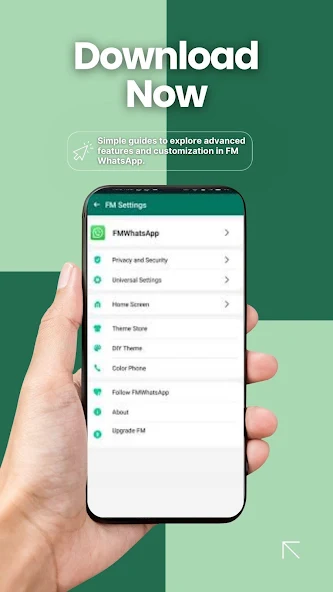
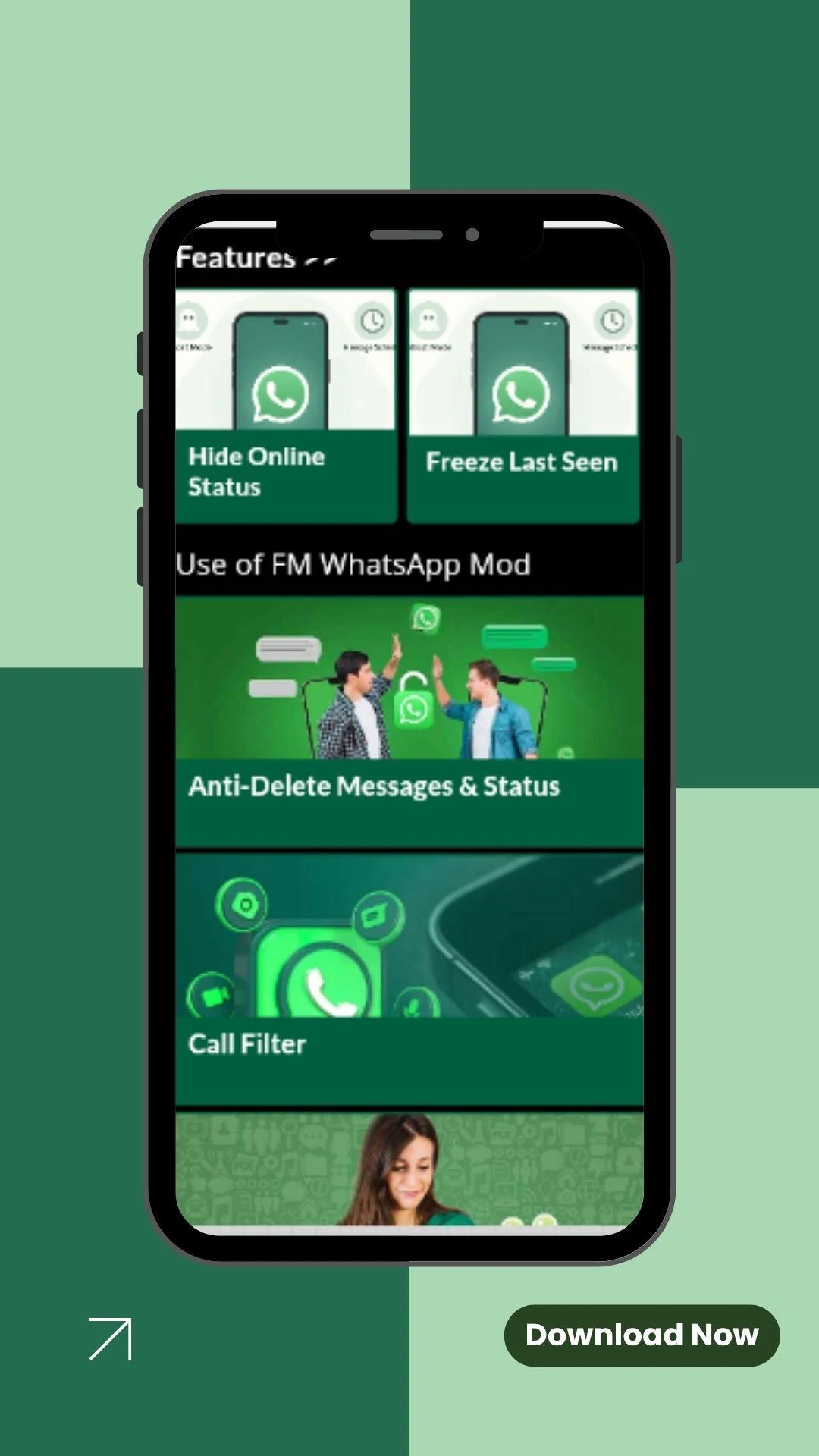
With FM WhatsApp, you can hide your online status, blue ticks, and typing indicator, use Ghost Mode and Anti-Delete Messages, customize themes and fonts, download Status content, and access additional media-sharing options. It is designed for users who want more control over their WhatsApp experience than the official app provides.
Is FMWhatsApp v10.10 Still Worth Installing?
That depends on what you want from WhatsApp.
If your priority is custom themes, privacy controls, Ghost Mode, Anti-Delete Messages, and additional messaging options, FM WhatsApp offers features that the official app does not normally provide.
However, if your priority is official support, predictable updates, and the lowest possible account risk, the official WhatsApp app remains the safer choice.
In other words, FMWhatsApp is best viewed as a feature-focused alternative rather than a direct replacement that is officially supported by WhatsApp.
Before Downloading the FMWhatsApp
Before you download FMWhatsApp APK v10.10, it is worth checking a few basic details first. FMWhatsApp is a modified version of WhatsApp, so the installation process is different from downloading the official WhatsApp from Google Play.
Here is a quick overview of the current FMWhatsApp APK:
InformationFMWhatsApp v10.10
App NameFM WhatsApp
Latest Versionv10.10
Developer / ModFouadMODS
PlatformAndroid
Android RequirementAndroid 5.0+
APK FormatAPK
Google Play StoreNot available
Root RequiredNo
PriceFree
Main FocusPrivacy, customization, and extra messaging features
Android requirements and APK file size can vary depending on the specific build you download, so check the download information shown on the page before installing.
How to download and install FM WhatsApp 2026 on Android
Installing FM WhatsApp on Android is similar to installing other APK files, but there are a few extra steps.
1
Back up your WhatsApp data
Open your current WhatsApp and create a backup of important chats and media before uninstalling or switching apps.
2
Download the FM WhatsApp APK
Download the latest FM WhatsApp APK from a reliable source. Check the version, file size, Android requirement, and download source before opening the file.
3
Allow APK installation
If Android blocks the installation, open your phone's security settings and allow your browser or file manager to install apps from unknown sources. The exact menu name can vary between Android phones.
4
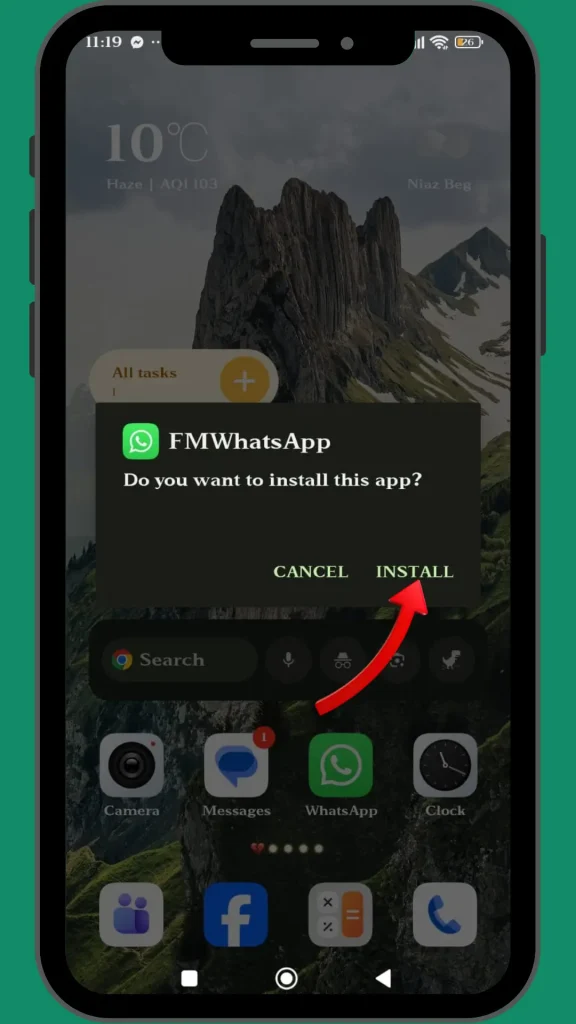
Install the APK
Open the downloaded FM WhatsApp APK file and tap Install. Wait for the installation to finish.
5
Verify your phone number
Open FMWhatsApp and enter your WhatsApp phone number. Complete the verification process and restore your backup if the available version supports it.
If the installation fails, check whether an older WhatsApp or FMWhatsApp package is still installed, whether you have enough storage, and whether the APK is compatible with your Android version.
10 Hot Features of FM WhatsApp APK
FMWhatsApp is popular mainly because it adds controls that are not normally available in the standard WhatsApp experience. Some options can vary between releases.
FeatureWhat You Can Do
Ghost ModeHide selected activity indicators so other users have less information about when you are online or active.
Anti-Delete MessagesView certain messages even after the sender deletes them from the conversation.
Hide Blue TicksRead messages without immediately showing the usual read indicator.
Hide Typing StatusStop the typing indicator from appearing while you are writing a message.
Custom ThemesChange the overall appearance of FMWhatsApp with different themes, colors, and interface styles.
Custom FontsChoose different font styles to personalize chats and menus.
Status DownloaderSave photos or videos from WhatsApp Status directly to your device.
Larger Media SharingSome releases support larger files or more media at once than the standard WhatsApp limits.
App LockAdd an additional lock to help prevent other people from opening your chats when they use your phone.
Privacy ControlsAccess additional controls for last seen, online status, read receipts, and other chat activity.
These are the features that usually attract users who want more customization and privacy control from a WhatsApp-style app.
How to Switch from Official WhatsApp to FM WhatsApp?
Switching is easier if you prepare your data first.
Start by opening the official WhatsApp and creating a fresh backup. Make sure the backup contains the conversations and media you actually want to keep.
Next, download and install FM WhatsApp. Depending on the version, you may need to remove the official WhatsApp first or use a separate installation package. After installation, open FMWhatsApp and verify the same phone number.
If a backup is detected, follow the on-screen instructions to restore your chats.
One important point: do not uninstall your existing WhatsApp before confirming that your backup is complete. If your conversations are important, keeping a separate copy of your essential photos, videos, and documents is also a good idea.
Pros and Cons of FM WhatsApp
FMWhatsApp can be attractive if customization and extra controls are your priority, but it is not automatically better than official WhatsApp.
ProsCons
More privacy controlsNot an official WhatsApp app
Custom themes and fontsNot normally available on Google Play
Anti-Delete MessagesPossible account restriction
More customization optionsUpdates may be less predictable
Additional media-sharing controlsAPK source must be trusted
Extra interface settingsPotential security and privacy concerns
The biggest advantage is flexibility. The biggest drawback is that you are using a modified third-party client instead of the official WhatsApp application.
How to Fix FM WhatsApp Not Working Issues?
If FM WhatsApp suddenly stops working, do not immediately reinstall it. Try these basic checks first.
Check your internet connection. Switch between Wi-Fi and mobile data to see whether the problem is network-related.
Restart FMWhatsApp. Close the app completely and open it again. A simple restart can fix temporary crashes or connection problems.
Clear the app cache. Go to Android Settings, open Apps, select FMWhatsApp, and clear its cache. Avoid clearing app data unless your important chats are backed up.
Check for a newer version. An outdated FMWhatsApp build may stop working correctly after changes on the WhatsApp side.
Check your phone storage. Low storage can cause problems with downloads, media, backups, and app updates.
Reinstall only as a last step. Before uninstalling FMWhatsApp, make sure your chats and important media are backed up. Otherwise, you may lose local data.
If your phone number cannot be verified or the account is restricted, the problem may not be something you can fix through normal app settings. Modified WhatsApp clients have historically faced verification and account restrictions.
FAQ
FMWhatsApp is a third-party modified app, so it does not provide the same level of trust and official support as WhatsApp from Meta. Only download APK files from sources you trust and avoid giving unnecessary permissions.
No. FMWhatsApp is distributed as an APK because it is a modified version of WhatsApp rather than an official Play Store application.
Yes, FMWhatsApp can use a normal WhatsApp phone number for account verification. However, using a modified WhatsApp client can carry account-related risks.
There is no guarantee that an Anti-Ban feature can prevent account restrictions. WhatsApp has previously restricted users of modified clients, and its verification systems can change.
Yes. You can switch back to official WhatsApp, but you should create and verify a backup of your chats and media before making the switch.
Download FM WhatsApp v10.10
Review the details above, keep a backup, and download the latest FM WhatsApp APK when you understand the difference between official WhatsApp and modified clients.