Advanced Privacy Controls
YoWhatsApp gives you more control over what other people can see when you use WhatsApp. Depending on the version, you can hide your online status, last seen, blue ticks, and typing indicator.
Yo WhatsApp is a modified version of WhatsApp for Android that adds extra privacy controls, customization options, and messaging features beyond the official app.


Advanced privacy, themes, chat locks, and messaging tools.

Extra privacy controls, themes, and customization options.

More themes, fonts, colors, and media-sharing options.

Classic WhatsApp mod with privacy and customization options.

Visual customization and additional privacy controls.
Yo WhatsApp APK v10.10 is a modified version of WhatsApp for Android that adds more privacy controls, customization options, and messaging features. It keeps the familiar WhatsApp experience while giving users more control over chats, Status, notifications, themes, and media sharing.
If you want more flexibility than the standard WhatsApp app offers, YoWhatsApp is one of the WhatsApp mods users may consider. However, it is an unofficial third-party app, so you should understand the installation, security, and account risks before using it.
Yo WhatsApp, also known as YoWhatsApp or YOWA, is a modified WhatsApp client built around the standard WhatsApp experience. The latest version commonly listed is v10.10, with features focused mainly on privacy, customization, media sharing, and additional chat controls.
Unlike official WhatsApp, YoWhatsApp is distributed as an APK and is not available through Google Play. This means Android users need to download the APK and install it manually.
The biggest reason to use YoWhatsApp is the extra control it gives you.
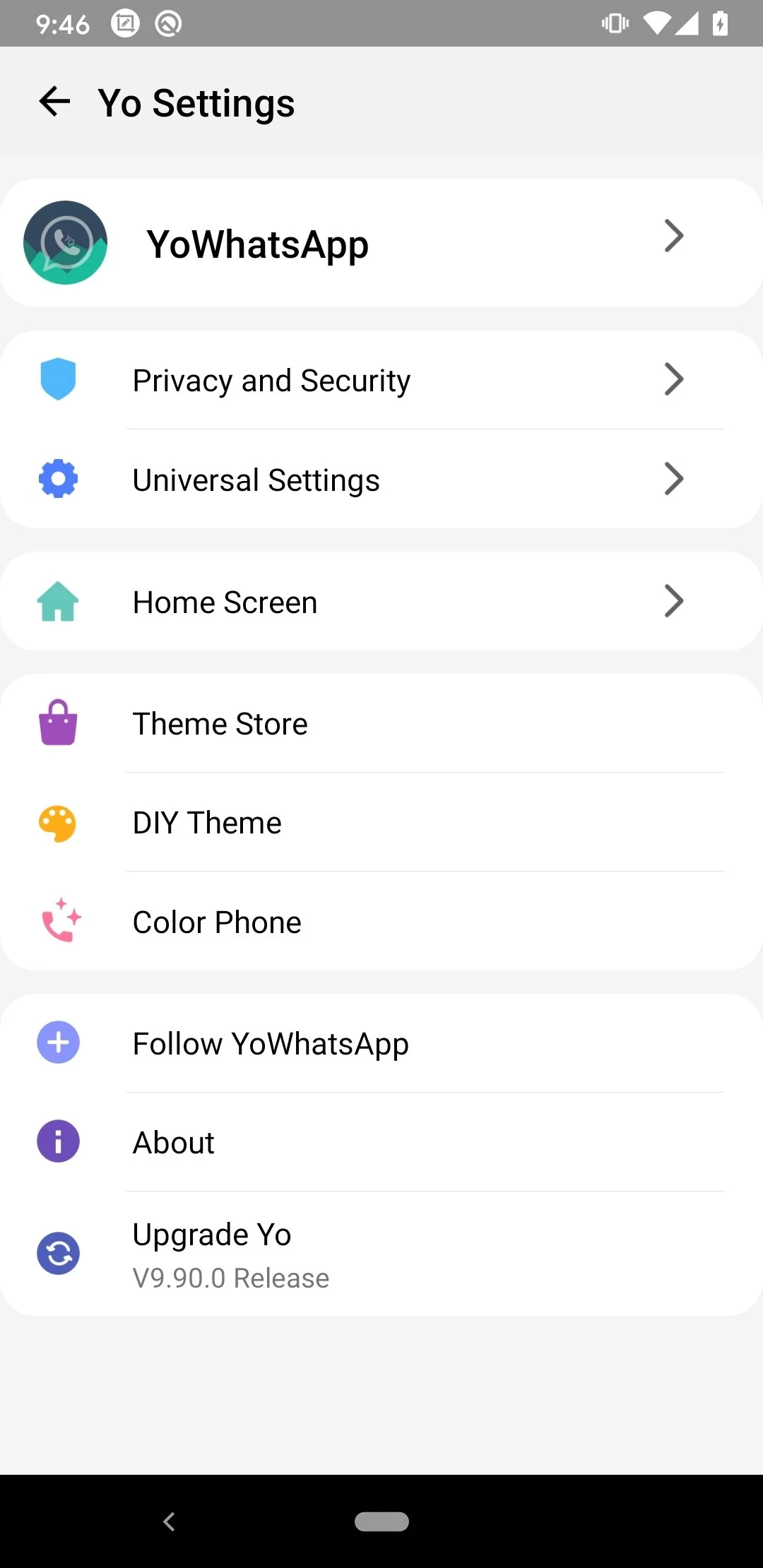
You can customize the interface with different themes and fonts, hide activity indicators such as your online status and typing status, and use features such as message scheduling, Status downloading, and App Lock. These options are useful if you find the standard WhatsApp settings too limited.
YoWhatsApp also adds practical controls for people who share a lot of media or manage multiple conversations. Instead of changing several separate settings or using additional apps, many of these options are available directly inside the modified client.
YoWhatsApp gives you more control over what other people can see when you use WhatsApp. Depending on the version, you can hide your online status, last seen, blue ticks, and typing indicator.
Ghost Mode is designed for users who want to use WhatsApp more privately. It can hide selected activity information, so you can read messages or browse chats without showing as much activity to other contacts.
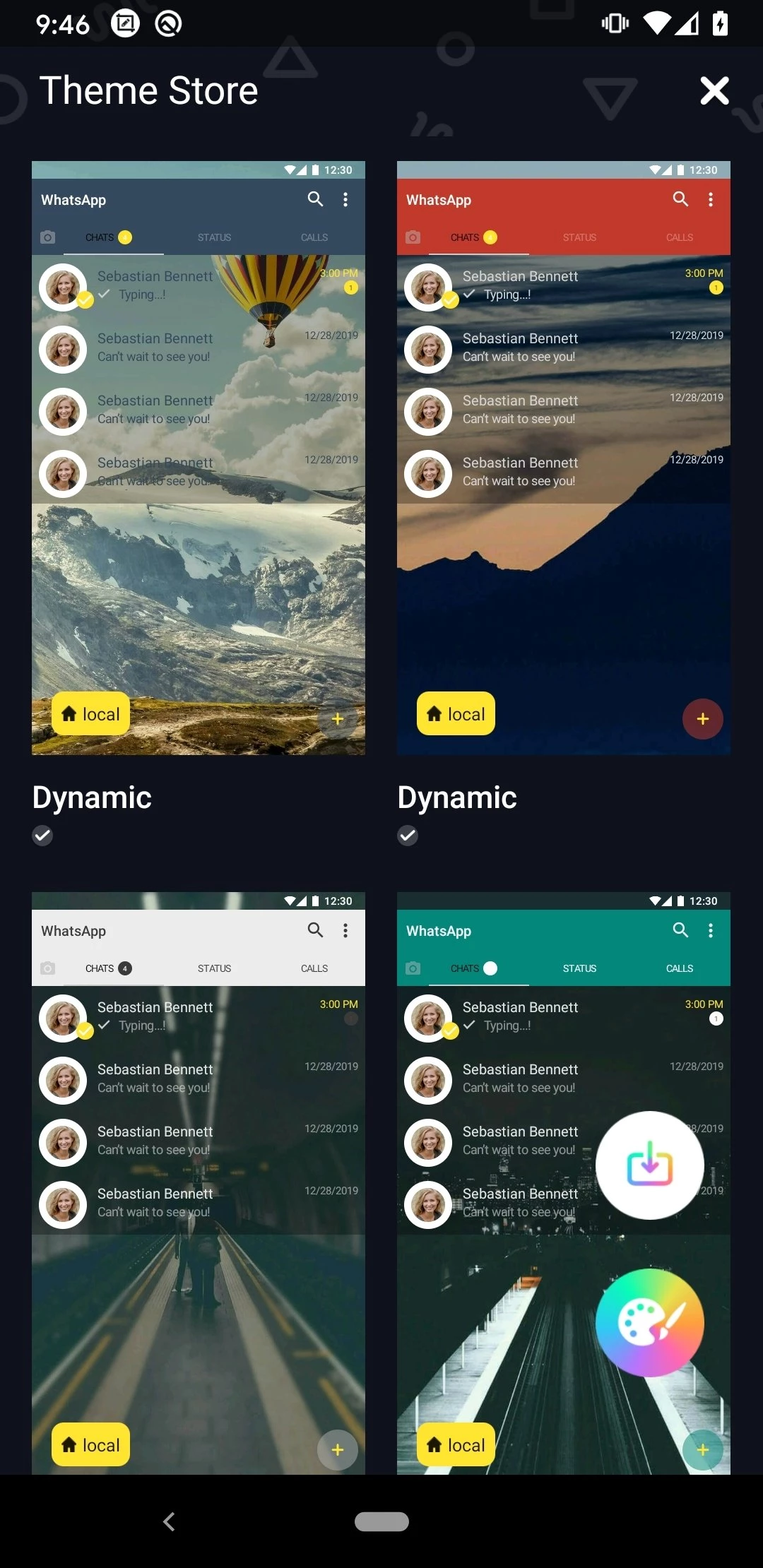
The standard WhatsApp interface does not offer much room for visual customization. YoWhatsApp lets you apply different themes and change the look of your chats and menus to make the app feel more personal.
You can change the font style used across parts of the app instead of sticking with the default appearance. It is a small feature, but useful if you like giving your chats a different visual style.
Anti-Delete Messages can keep certain messages visible even after the sender deletes them. This can be useful when someone removes a message before you have had a chance to read it, although its behavior can vary between versions.
YoWhatsApp can make it easier to save photos and videos shared through WhatsApp Status. Instead of asking the contact to send the file separately, you can use the built-in Status download option when available.
Message Scheduler lets you prepare a message to be sent at a chosen time. It can be handy for reminders, greetings, or messages that you already know you want to send later.
YoWhatsApp includes an App Lock option that can add another layer of protection when someone else has access to your phone. You can use it to prevent people from opening your WhatsApp conversations without your permission.
Auto Reply can automatically send a predefined response when you are unavailable. This is particularly useful if you receive messages regularly but do not always have time to respond immediately.
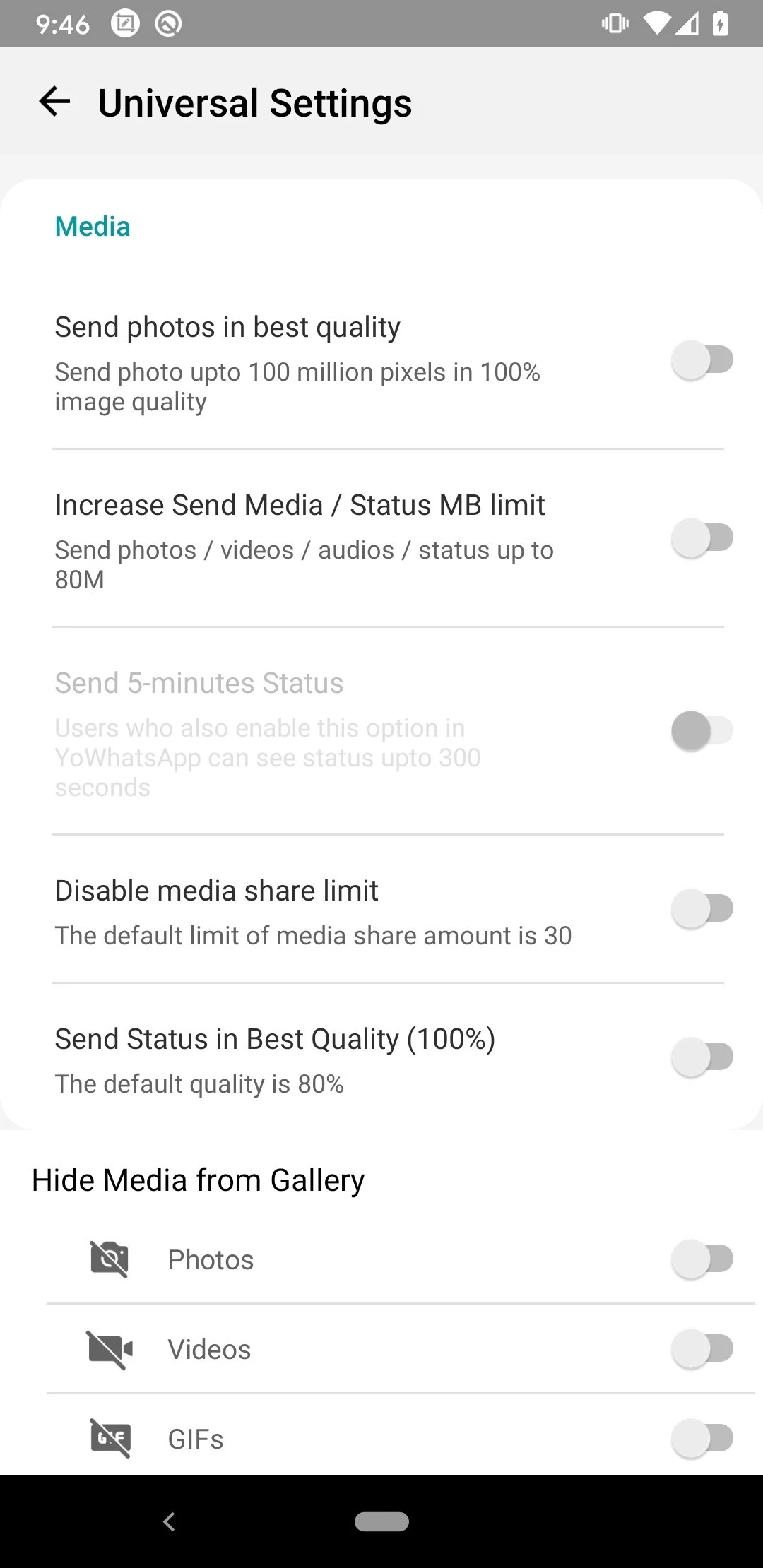
YoWhatsApp versions commonly include expanded media-sharing options compared with standard WhatsApp. This can make it easier to share larger files, more photos, or longer videos without splitting everything into multiple messages.
Some YoWhatsApp releases include voice-changing tools that can modify your voice before sending a voice message. It is mainly a fun feature for casual conversations rather than something you would use for everyday messaging.
YoWhatsApp adds smaller controls throughout the interface, including options for emojis, notification behavior, chat appearance, and other UI elements. These settings let you adjust the app around the way you actually use WhatsApp instead of relying only on the default configuration.
Before installing YoWhatsApp, back up your important WhatsApp chats and media. This is especially important if you are replacing your existing WhatsApp installation.
Open your current WhatsApp and create a recent backup. Keep copies of important photos, videos, and documents separately if they are especially important.
Download the APK from a source you trust and check that the file is actually the version you intend to install.
Android may ask you to allow your browser or file manager to install apps from unknown sources. Enable this permission only for the app you are using to install the APK.
Open the downloaded APK and follow the installation instructions. Wait until Android finishes installing the app.
Open YoWhatsApp, enter your phone number, and complete the verification process. If a compatible backup is detected, follow the available instructions to restore your chats.
If verification fails, do not repeatedly uninstall and reinstall the app. Check your number, internet connection, APK version, and whether your account has previously been restricted.
YoWhatsApp is not developed or distributed by WhatsApp or Meta. Because it is a modified third-party client, WhatsApp cannot provide the same level of official support or guarantee how a particular APK has been modified.
There is also a practical security concern with APK downloads. A modified app obtained from an unknown source could contain unwanted code or request permissions that are not necessary for normal messaging. Research into modded Android apps has found that modified apps can carry substantially higher security risks than their official counterparts.
For that reason, avoid downloading random YoWhatsApp APK files from pop-up-heavy websites or installing additional apps that a download page claims are required.
Using YoWhatsApp can put your WhatsApp account at greater risk of restriction because it is an unofficial modified client. An Anti-Ban feature should not be treated as a guarantee that your number cannot be banned.
This is not just a theoretical concern. FouadMODS previously warned users that WhatsApp had introduced new verification checks affecting modified clients, and noted that some previously banned numbers could no longer be verified through the mod.
If your account is restricted, switching between different WhatsApp mods repeatedly is unlikely to solve the underlying problem. The safer option is to return to the official WhatsApp app and follow the account recovery or verification process provided by WhatsApp.
YoWhatsApp is primarily designed for Android. The APK installation method allows users to install it directly on compatible Android phones without using Google Play.
There is no standard YoWhatsApp APK for iPhone because APK files are designed for Android. Websites offering a normal YoWhatsApp APK for iOS download should be treated with caution.
YoWhatsApp is not a native Windows or Mac application. If you want to use WhatsApp on a computer, the official WhatsApp desktop or web experience is the more straightforward option.
YoWhatsApp may work on compatible Android tablets, but compatibility depends on the Android version, hardware, and how the specific build handles phone-number verification.